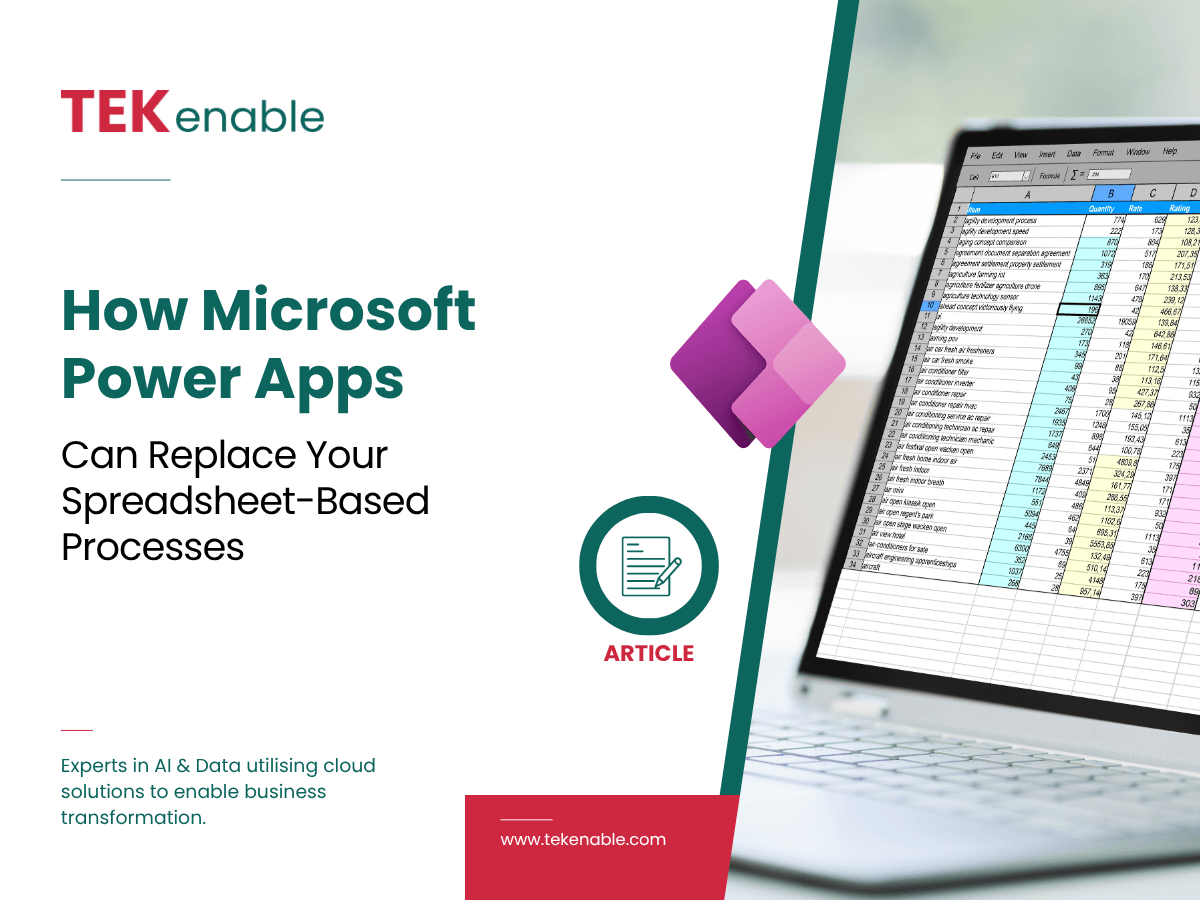
Most businesses are running critical processes on spreadsheets that should be proper applications. The approval workflow that lives in someone’s inbox. The asset tracker that six people share and nobody fully trusts. The customer onboarding form that gets emailed as an attachment. Microsoft Power Apps is the fastest path from those spreadsheets to a scalable, auditable, mobile-accessible business application, without a traditional software development project.
The Spreadsheet Problem Nobody Talks About
Spreadsheets are not inherently bad. They are flexible, familiar, and fast to set up. The problem is what happens when a process grows around them: multiple people editing the same file, no audit trail of who changed what, data validation that relies on trust rather than rules, and no way to trigger alerts or approvals when something happens.
At a certain point, a spreadsheet-based process costs more to maintain than it would cost to replace it. The question is whether the business can see that cost clearly enough to act on it.
What Microsoft Power Apps Actually Is
Power Apps is a low-code application development platform within the Microsoft Power Platform. It connects to data sources your business already uses, including SharePoint, Dynamics 365, SQL Server, Dataverse, and hundreds of others, and allows you to build custom applications through a visual interface rather than traditional code.
The output is a real application: accessible on desktop and mobile, with proper data validation, user permissions, audit trails, and the ability to trigger workflows in Power Automate when something happens in the app.
Common Processes Power Apps Replaces Well
Approval workflows
Purchase requests, leave approvals, expense sign-offs — any process where someone submits something and someone else needs to approve it. Power Apps gives you a proper form, a proper approval chain, and a proper audit log, all connected to Power Automate for notifications.
Inspection and audit capture
Field teams filling in paper forms or spreadsheets on-site. A Power App built for mobile gives them a structured form, photo capture, GPS tagging, and immediate submission to a central database, no paper, no re-keying.
Asset and inventory tracking
Equipment registers, IT asset logs, stock trackers — anything currently living in a shared Excel file. Power Apps gives you a proper data model, search, filtering, and role-based access without the versioning chaos.
Customer or supplier onboarding
Structured data collection with validation, document upload, and automated routing to the right internal team. Replaces the email-and-attachment pattern that loses things and has no audit trail.
How Long Does It Actually Take?
A simple data capture app with basic workflow can typically be designed, built, tested, and deployed in a week. A more complex app with multiple data sources, conditional logic, and integration with Dynamics 365 or other systems will take longer, but still significantly less time than a traditional software development project.
The biggest variable is usually data: where it currently lives, how clean it is, and what needs to connect to what. That is worth mapping before any build starts.
Before scoping a Power Apps build, make a list of the spreadsheets your team uses daily. The ones with the most users, the most manual steps, or the most frequent errors are the best candidates. The ROI case for replacing them is almost always there once you count the actual time cost.
Concern Worldwide replaced a manual, paper-based timesheet process across its international operations with a Power Apps solution built on Power Automate and Dataverse, cutting admin time and improving financial accountability across low-connectivity regions. Read the case study on TEKenable’s Case Studies page.
Frequently Asked Questions
Have a Process That Should Be an App?
TEKenable builds Microsoft Power Apps for Irish and UK organisations, from simple data capture tools to complex multi-system applications. We start with a free scoping conversation to understand what you need and what the build would realistically involve.
Call +353 1 801 0800 · tekenable.com